



Royalzino App: Mobile Casino Gaming
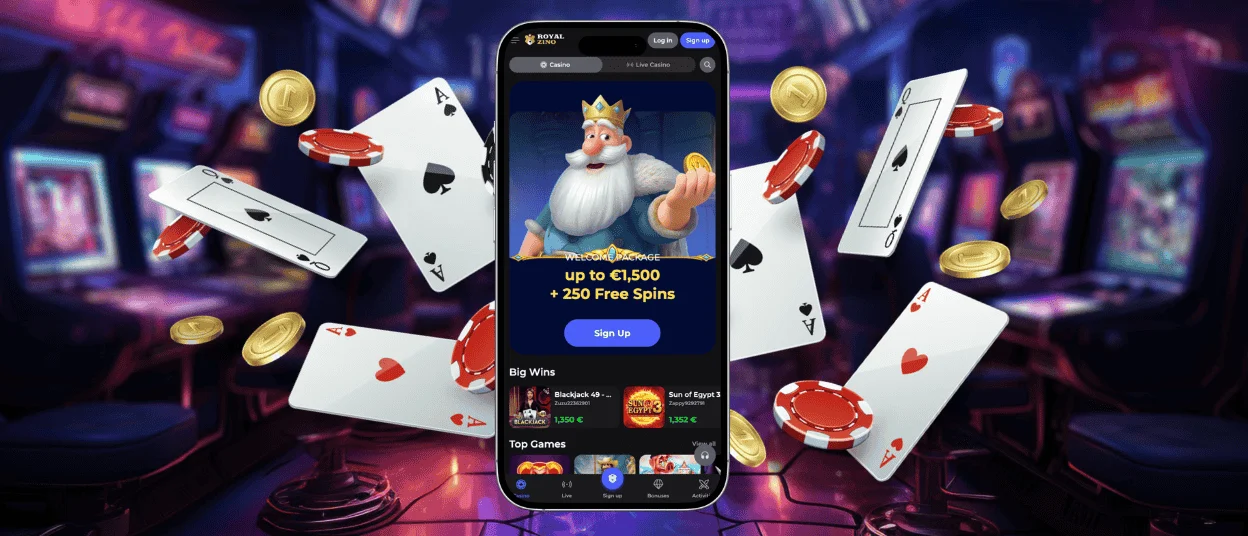
Mobile gambling stopped being a convenience feature and became the main way people regularly play nowadays, so Royalzino built mobile functionality that feels super convenient. The Royalzino app delivers the complete casino experience. Installation wraps up extra fast, and your phone becomes a portal to thousands of games, live dealers, account management, and everything else the platform offers without being tethered to a computer chair.



Royalzino App Features
Many Royalzino Casino players now access the platform through smartphones or tablets, which tells the whole story about how gambling habits shifted. The platform recognized this reality early.
The mobile browser version works fine if you’re in a pinch and don’t want to install anything, but the Royal Zino app provides faster access with a more personalized gaming experience built specifically for touchscreens and smaller displays.
Registration, the Royalzino Casino login process, and payment handling all work identically whether you’re on the app or browser version, keeping things consistent. Before pulling money out for the first time on mobile, you’ll need to complete the verification process just like desktop users do, but everything happens through the app without requiring you to switch to a computer and upload documents separately.
Player safety
Launching the Royalzino app happens directly through the website. The platform tests the software regularly and guarantees device safety plus personal data protection.
| What Protects You | How It Functions | Why You Should Care |
| Encrypted Connections | TLS encryption shields all data traveling between the app and casino servers | Stops unauthorized snooping and keeps your personal details private |
| Secure Login Sessions | Protected by tokens that automatically expire after set periods | Makes account hijacking much harder, even if someone gets your password |
| Auto Logout Feature | Kicks you out automatically after sitting idle for too long | Saves you if you forget to log out on a shared device or lose your phone |
| Fraud Detection Systems | Real-time monitoring watches for weird behavior and sketchy transactions | Catches fraudulent activity early before it drains your account |
| Zero Local Storage | Never stores sensitive account or payment data directly on your device | Limits damage if your phone gets stolen, lost, or hacked |
Royalzino App for Android OS
Android users have two options for playing on the go: the browser-based site or the dedicated app. Either option provides fast loading and the same familiar design and navigation as the desktop version, so you won’t have to spend time getting used to features that have moved for no apparent reason.
The entire game library, exceeding 6,000 titles, lives in the Royal Zino app, no matter if you’re obsessed with online slots or prefer live casino games with human dealers streaming from real studios. Nothing gets arbitrarily locked to desktop-only access.
Install on Android
Getting the app on your Android phone or tablet goes like this:
- Start by looking for the three-dot menu icon in the address bar near the top of your screen on the Royalzino Casino website. Then tap it.
- When the menu appears, find and select “Add to home screen” from the available options. Tap “Add” one more time to confirm everything and create the shortcut.
- The icon lands on your home screen, where you can rename it to something that is better for you and drag it to the place that fits your app organization system.
Two minutes later, you’ve got one-tap access to the complete casino.
Royalzino App – iOS
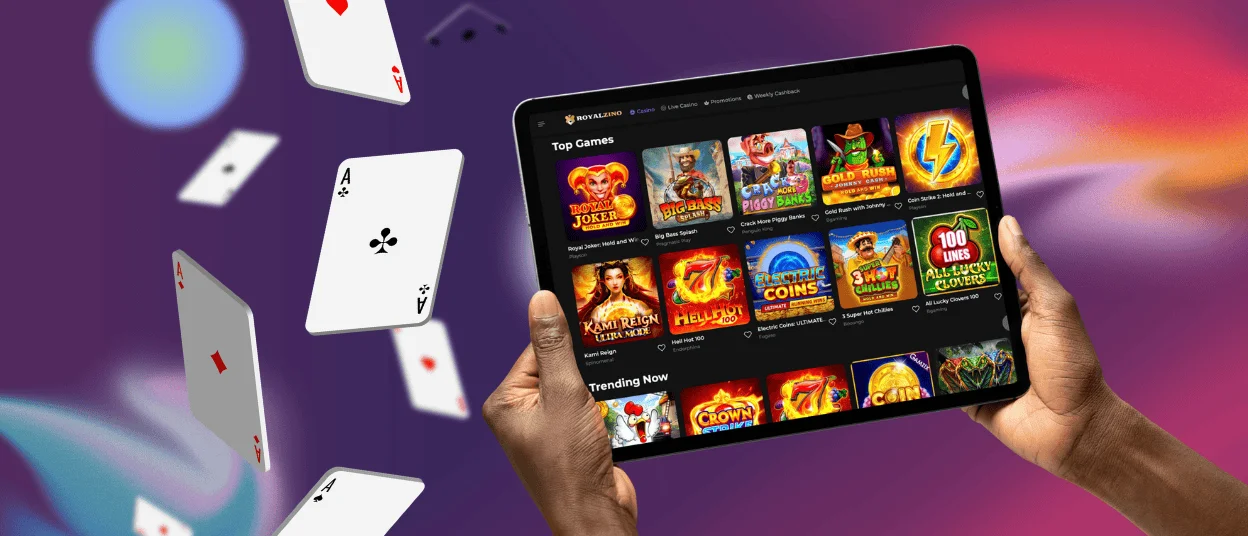
iPhone and iPad owners can get the Royal Zino Casino application running within minutes while gaining instant access to every available function. It is so simple to get the full game selection, active bonuses, secure payment processing, responsible gaming controls, direct contact with the support team, and basically everything the platform provides in one click.
iOS installation routes through Safari using the share button to generate a home screen shortcut. The mechanics feel slightly different compared to Android but consume roughly the same minimal time investment. Setting up push notifications in the Royalzino app lets you receive alerts about new promotions, tournament updates, or account activity without routinely checking manually every few hours.
Royal Zino Casino – Desktop Version
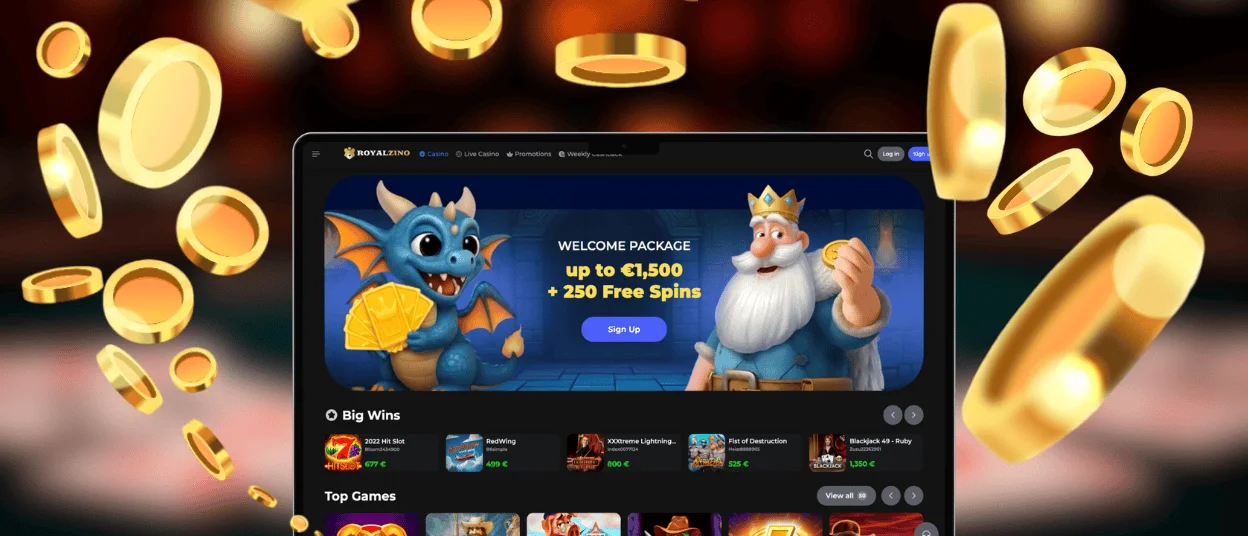
Mobile dominates usage statistics, but the desktop version of Royalzino stays fully operational for people who prefer bigger screens, find physical keyboards easier for typing, or just like the traditional computer gambling experience. Mixing both options works flawlessly since your account automatically syncs data, balance, and preferences across every device you use after logging in.
Create a desktop shortcut for Royalzino Casino and get faster access without bookmarking pages or memorizing URLs. Open the site in your desktop browser, click the three-dot button labeled “More” in the address bar, locate “Cast, save, and share” within the dropdown menu, then select “Create shortcut”. Keep the default name or change it, click “Create” to finalize everything, and the shortcut appears on your desktop for instant one-click access when the mood strikes.
Device Compatibility
The desktop Royal Zino version works smoothly across modern web browsers without forcing software downloads. Google Chrome, Firefox, Safari, or any other current browser supporting advanced graphics and encrypted secure connections handles the site without issues. Automatic optimization adjusts the website for your specific device, so the gaming experience remains consistent even though you’re running Windows, Mac, Linux, or something else entirely.
Compatibility reaches back across device generations too. You don’t need the absolute newest flagship phone to run Royalzino Casino without problems. Mid-range devices from recent years handle everything fine. Even older tablets still getting software updates maintain decent performance, though obviously the newest hardware provides the snappiest experience possible.
FAQ
Is the app optimized for tablets and larger screens?
The Royalzino app adjusts itself to your screen size and resolution automatically, so tablets receive an improved layout, grabbing the additional space properly. Games display beautifully, and navigation stays intuitive. Online slots look gorgeous on tablet displays, and live dealer games become noticeably more immersive when you can see table details.
What is the Royalzino PWA app?
PWA is a progressive web app, which means you’re getting app-like functionality without downloading a traditional app from a store. The Royalzino Casino PWA installs directly from our website. Just for you to know: it takes up barely any storage space on your device and updates automatically without you needing to do anything, so it’s a very convenient option for installation. Don’t hesitate to write to the live chat if you encounter any problems with the PWA download.
Are all Royalzino Casino games available in the PWA version?
The mobile casino includes the full game library, so it has over 6,000 titles currently. Every game adapts to your device properly, so you’re not stuck requiring desktop access. For practical purposes, you’ve got access to everything Royal Zino offers regardless of which device you’re using.


